


 Core operations
Load Management
Capture and manage waste loads quickly, accurately, and without the fuss.
One screen takes the vehicle, the material, the weights and the payment — then pushes it straight through to levy, stockpiles and reporting with nothing re-typed.
Under 30s
typical gatehouse transaction
No re-entry
levy, stockpiles and reports update themselves
Bridge or not
by weight, per item or by volume
Low-data
built for slow and patchy connections
The process
Every load follows the same five steps
- 1IdentifyRego or plate read
- 2ClassifyStream, rate and levy
- 3ChargeWeight, item or m³
- 4PaymentCard, account, voucher
- 5DownstreamLevy, stockpile, reports
STEP 1 · IDENTIFY
Identify the vehicle
Type a rego or plate-read it. Known customers bring their tare weight and terms with them.
LOAD RECORD
TICKET
PIV-1182
- Vehicle
- —
- Waste stream
- —
- Charged by
- —
- Quantity
- —
- Net
- —
- Payment
- —
- Levy calculated and recorded
- Stockpile volume updated
- Included in tonnage reporting
Load split
Split mixed loads by weight or percentage
When one vehicle brings in several materials, split the load on the same screen. Set each material’s share as a percentage or type its weight — PIVOT keeps the split balanced against the load’s weight.
- Split by percentage or by weight — whichever the operator knows
- Special items are deducted before the split
- Lock a line to hold it while you adjust the rest
- Allocated and unallocated weight shown as you go
- Choose which materials are included in the split
Try it: drag a slider, type a weight, or lock a line and adjust the others.
Before and after
The same load, with and without paper
Six steps become one, and the data arrives in reporting the moment the truck leaves.
- 1Operator writes rego, material and weight into the docket book.
- 2Customer waits while the fee is looked up on a laminated rate card.
- 3Cash goes in the tin, carbon copy goes in the tray.
- 4Dockets are driven to the office at the end of the week.
- 5Admin re-types every docket into a spreadsheet.
- 6Levy and tonnage reports are rebuilt by hand each month.
- Rego lookup fills the customer, tare and terms.
- Rate and levy apply themselves from site configuration.
- Payment is taken and balanced against the day.
- Levy, stockpiles and reporting update as the truck leaves.
What comes with Load Management
Subloads and mixed waste
Split a single vehicle across multiple streams and keep one ticket for the customer.
Rego and customer lookup
Known vehicles bring their tare, account and pricing with them.
Weight, item or volume
Read the weighbridge live, or charge per item or by volume at sites without a bridge.
Levy applied automatically
Current rates by material and site, captured per load for audit.
Edits with a trail
Corrections and overrides are logged against the user who made them.
Tickets and receipts
Print or email the ticket, or send it straight to the customer portal.
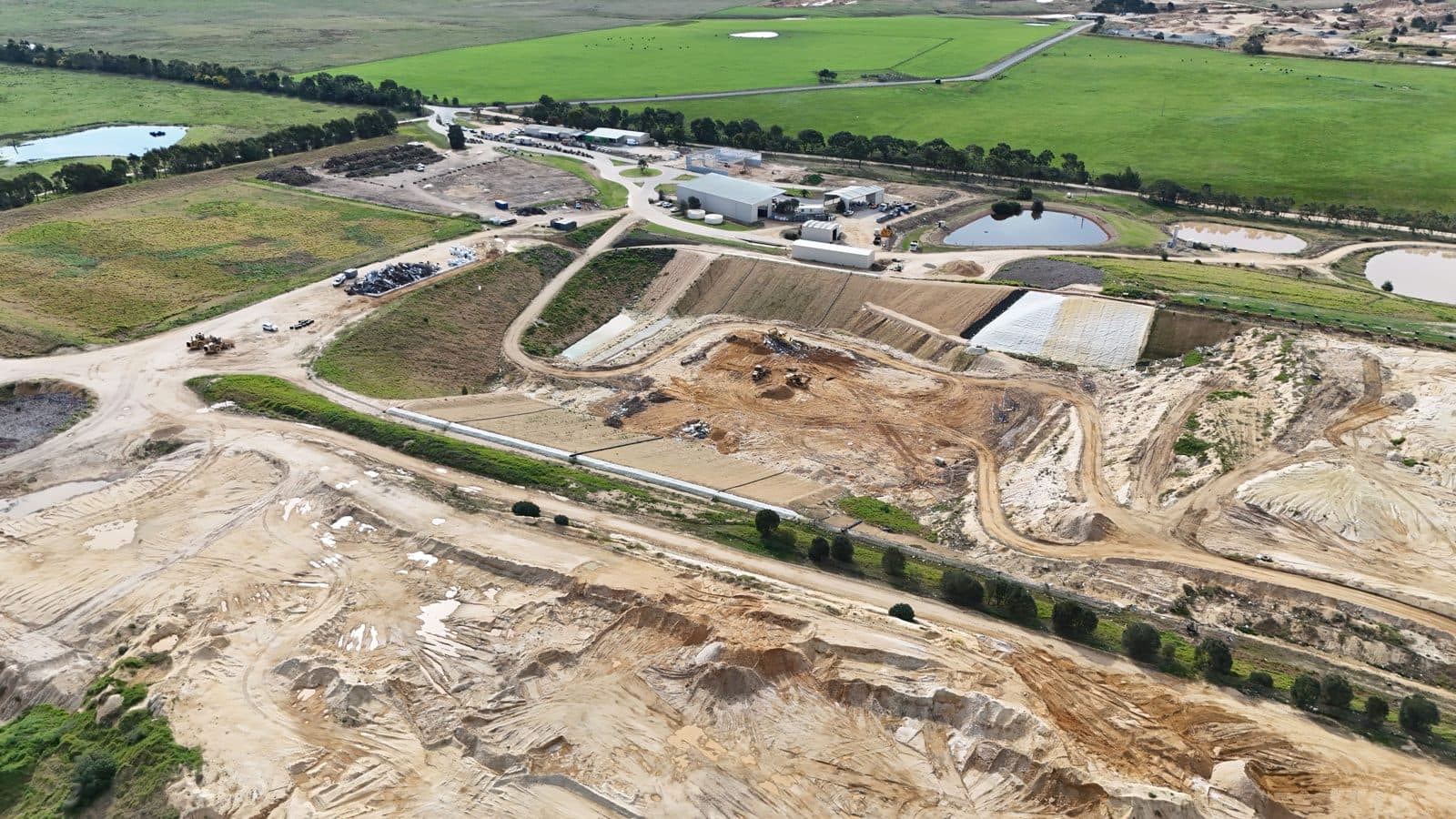
East Gippsland Shire Council
“Pivot Systems has helped us bring consistency across all our sites — from the smallest transfer station which operate a couple of hours a week through to our regional landfill which can see over 400 customers in a day. The system is easy for staff to use, and the reporting tools give us the visibility we need without the paperwork and running around to collect data manually.”